
EAFC Webapp Autobuyer Setup Usage Snipe Filters Tutorials
FC 27 FutFilters Chrome Extension Install Guide Snipe Filters, Autobuyer + Webapp Extra
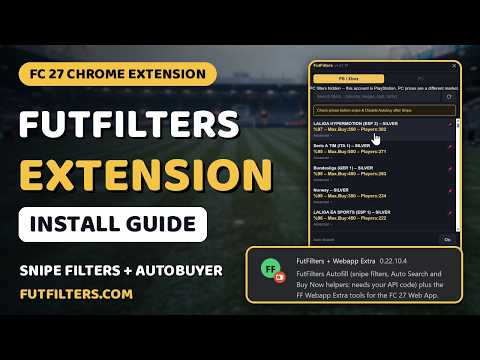
FC 27 FutFilters Chrome Extension Install Guide Snipe Filters, Autobuyer + Webapp Extra video by futfilters.com
Step by step: how to install the FutFilters + Webapp Extra Chrome extension for the EA FC 27 Web App, add your API code, and use it. One extension, two separate panels:
- FutFilters (Autofill): your snipe filters fill the Transfer Market search for you, Auto Search repeats it with a random delay, matches are highlighted, and the Buy Now window can open for you. Auto Search and the buying helpers only work after you add your API code.
- FF Webapp Extra: FutFilters prices on cards, compact card grids for Unassigned and Pack Content, SBC helpers, Transfer List totals, and "list unsold + available players at the FutFilters price". It works without an API code.
Install in two minutes: unzip the extension into a folder you keep, open chrome://extensions, turn on Developer mode, press Load unpacked and pick the folder. Switch off the Tampermonkey copies of these scripts first. Get the extension from the Downloads page on FutFilters.com. Your API code is under My Account on FutFilters.com.
FF Webapp Extra alone is also on the Chrome Web Store: https://chrome.google.com/webstore/detail/nabhfdldjceaapnccnifoeldlojiimcd
Heads up: auto-clicking Buy Now and auto-confirming the Ok window are OFF by default. Automated buying carries a risk to your EA account. Use it at your own risk.
00:00 Intro
00:08 Chrome extensions and Developer mode
00:13 Load the unpacked folder
00:25 Reload the Web App (turn off the Tampermonkey copies)
00:40 Two new tabs: FutFilters and FF Webapp Extra
00:56 FF Webapp Extra panel
01:18 Add your API code
01:33 Your snipe filters
01:45 Autofill fills the search
02:00 Search, Auto Search and Buy Now
02:29 Won players go to the Transfer List
03:00 Transfer List totals and the FutFilters price button
03:16 List unsold + available players one by one
03:40 Unassigned page and outro
For live snipe filters, price checks and more FC 27 guides, head to FutFilters.com.